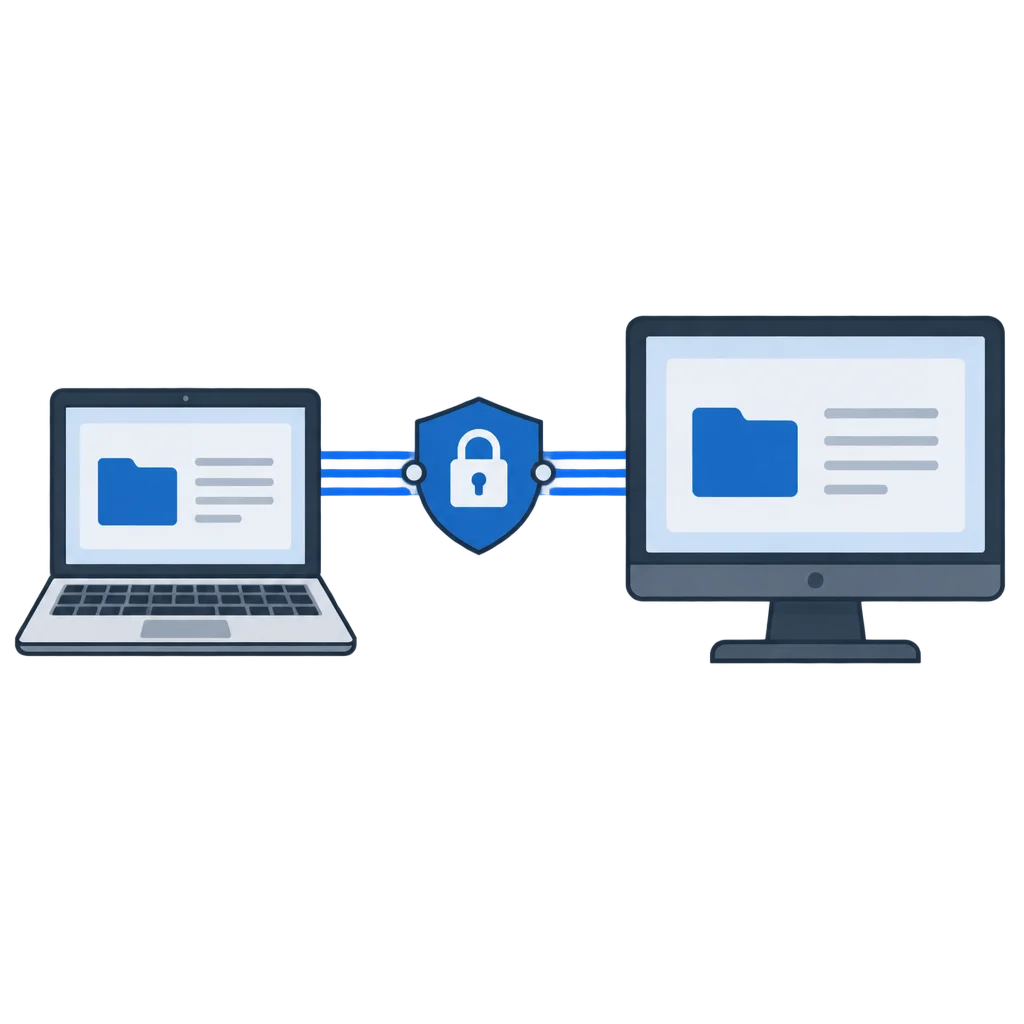
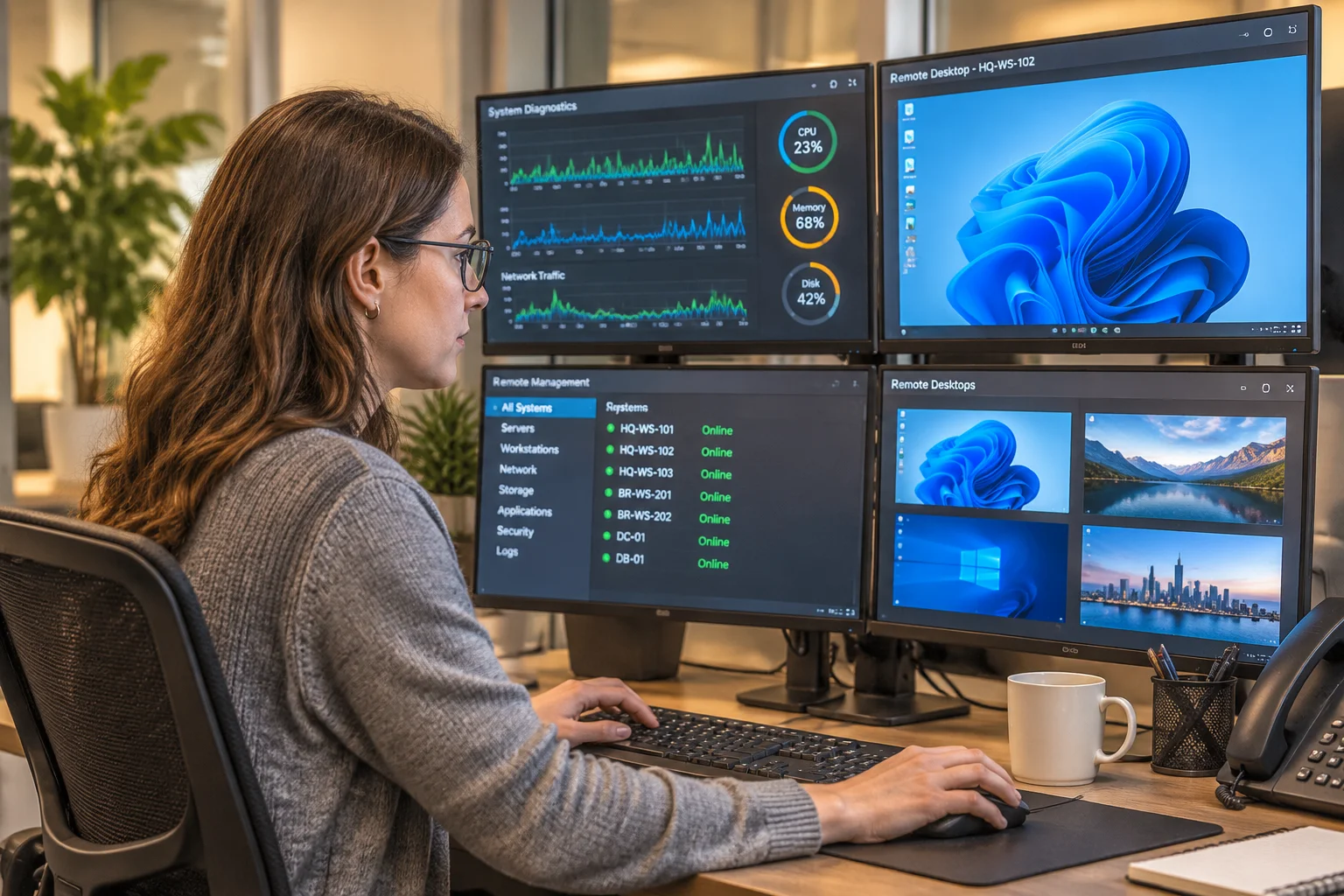
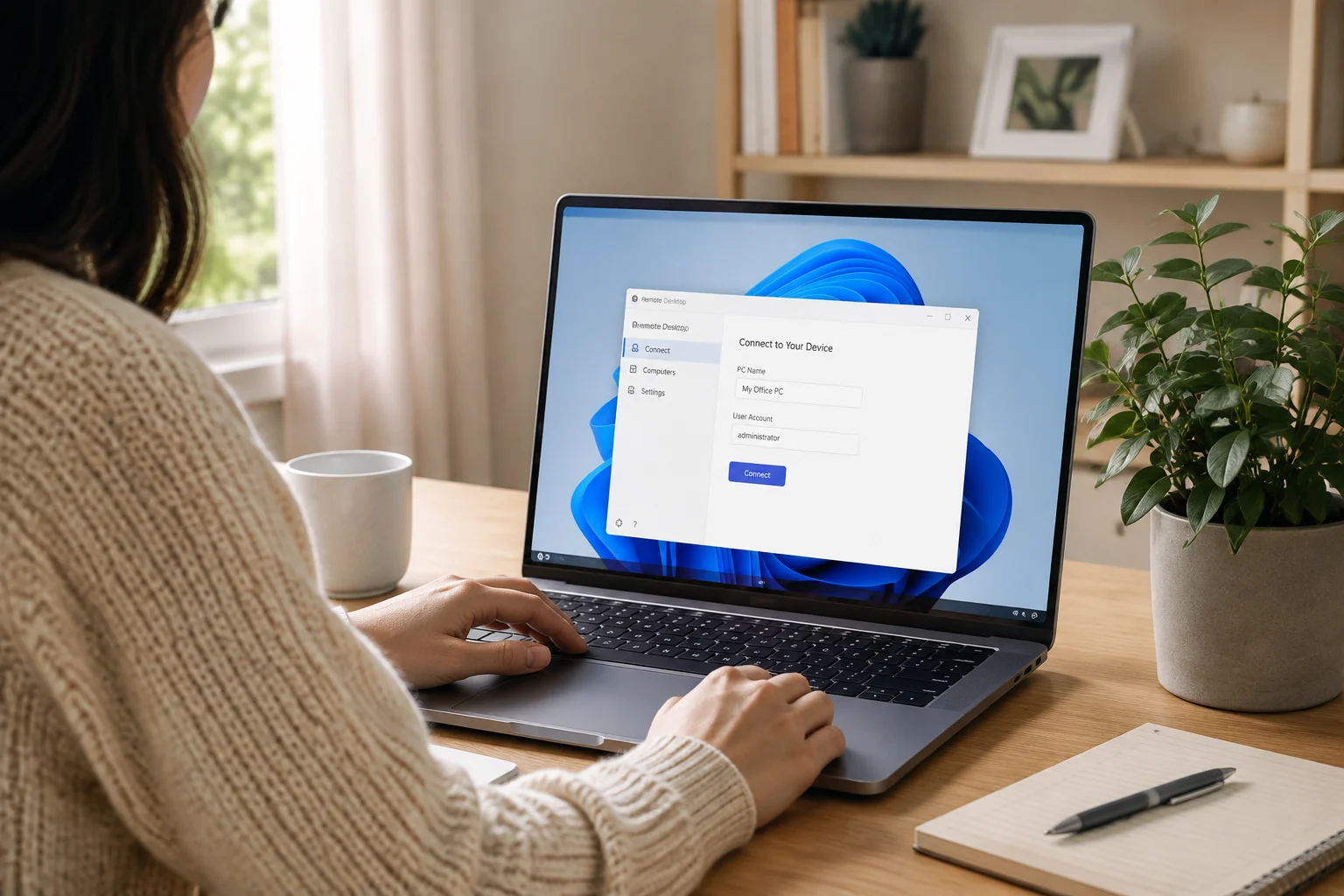

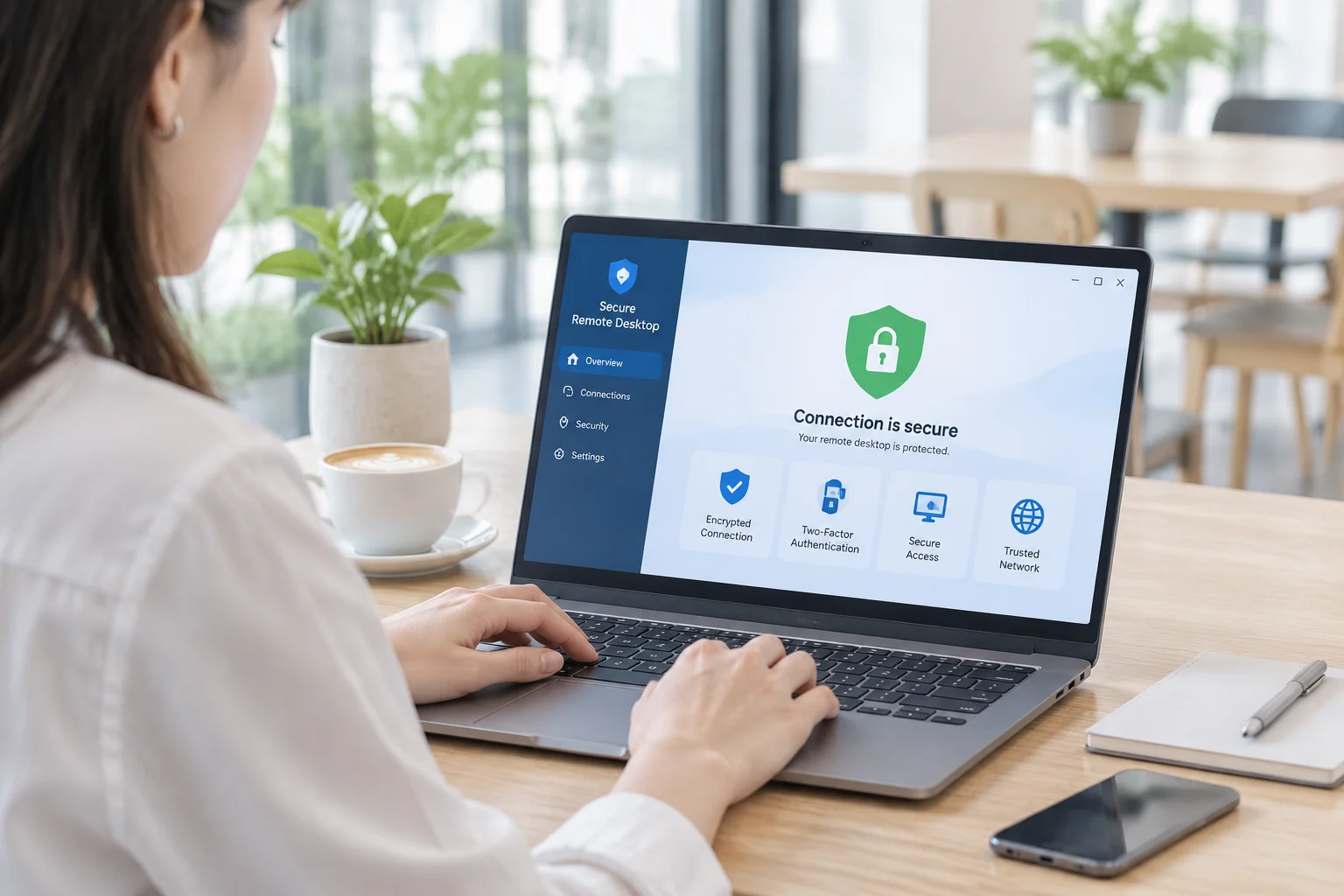

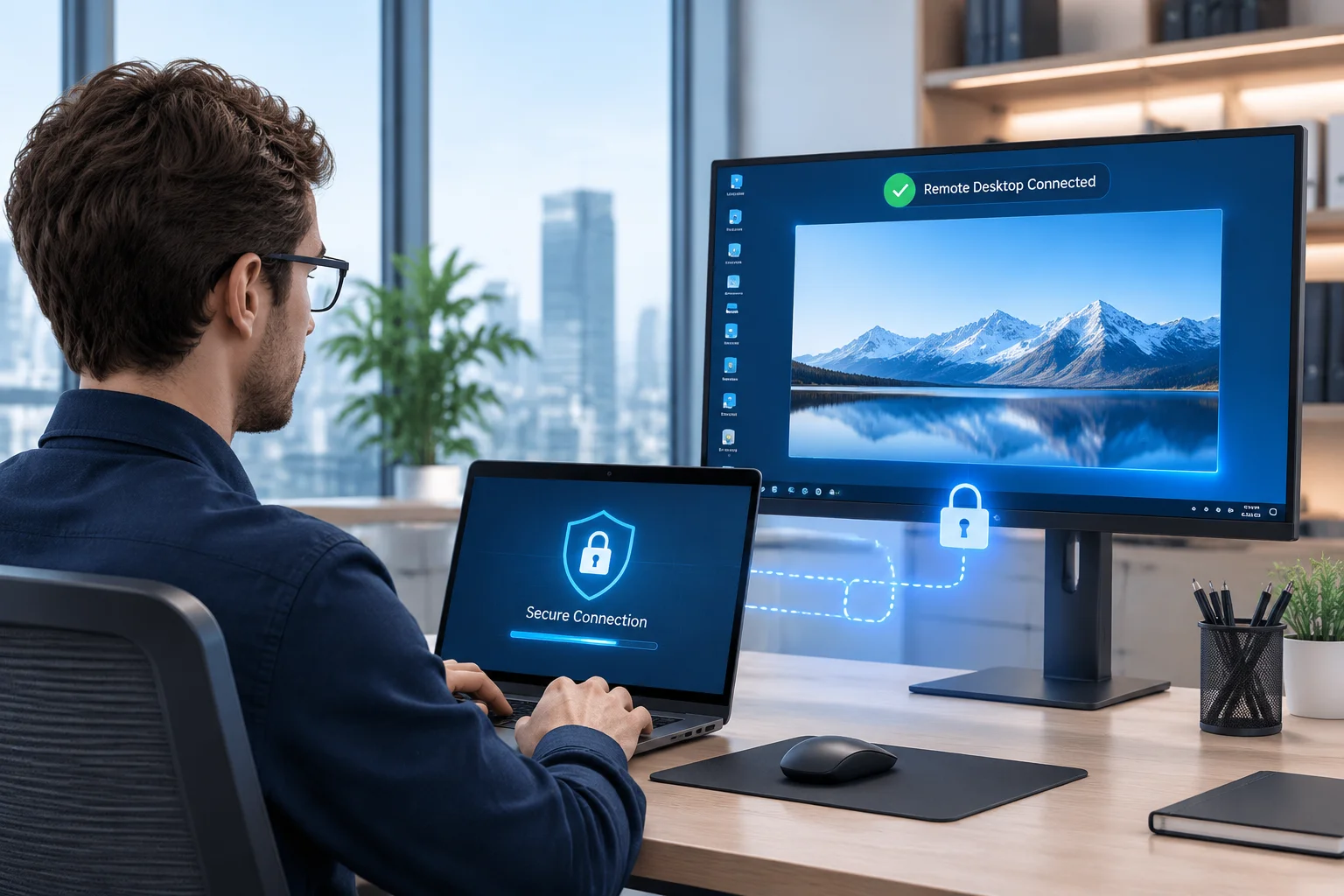
Bridging the physical gap between different computers requires a delicate balance of speed, convenience, and absolute safety. When a professional sits at home and connects to a workstation located miles away inside an office building, a complex chain of digital handshakes takes place behind the scenes. This invisible bridge must remain completely shielded from prying eyes.
Modern networking environments present numerous hazards, ranging from casual eavesdropping on public Wi-Fi networks to sophisticated targeted attacks against corporate infrastructure. Establishing trust between two distinct devices demands rigorous cryptographic verification and constant vigilance from both the system administrator and the end user.
The Foundation of Cryptographic Protection
At the heart of every reliable connection lies encryption. Without it, transmitting sensitive keystrokes and screen pixels across the open internet would be reckless. Modern remote desktop architecture wraps every single data packet in a secure envelope before it leaves the local network card.
As the data travels across routers and switches, intermediate nodes see only scrambled alphanumeric gibberish. Only the intended destination computer holds the private key required to decode the transmission. This mathematical certainty forms the bedrock of digital privacy in contemporary IT support workflows.
- Asymmetric key exchange establishes initial session trust.
- Symmetric ciphers handle rapid bulk data transmission.
- Perfect forward secrecy protects past recordings from future key theft.
- Checksum validation prevents packet tampering in transit.
- Automatic key rotation limits the lifespan of session tokens.
Implementing these layers correctly means that even if a malicious actor intercepts the internet traffic stream, extracting usable passwords or confidential documents remains practically impossible.
Authentication and Safe Access Control
Encryption alone merely protects data in transit; it does not verify who sits at the originating keyboard. Authentication acts as the bouncer at the digital door, confirming identity before granting entry to the operating system desktop environment.
Relying solely on simple text passwords is a frequent vulnerability in remote work setups. Best practices dictate the enforcement of multi-factor authentication, requiring a secondary confirmation step such as an authenticator app code or hardware token before the session window opens.
Administrators should also configure explicit access permissions that define precisely what actions an incoming user can perform. Restricting file transfers or disabling clipboard synchronization on untrusted guest machines minimizes potential attack surfaces during emergency troubleshooting sessions.
Best Practices for Remote Work Security
Technology provides the tools, but human habits ultimately determine whether a network stays safe. Maintaining a secure remote work environment requires consistent adherence to established operational protocols across the entire organization.
Employees must remember to lock their physical screens whenever they leave their desks at home, just as they would in a corporate office. Software updates should never be ignored or postponed indefinitely, because patches often fix critical vulnerabilities discovered by security researchers.
Furthermore, organizations benefit immensely from auditing connection logs regularly. Reviewing historical access data helps spot unusual login times or unfamiliar geographical locations instantly, allowing security teams to revoke compromised credentials before real damage occurs.
Infrastructure Control and Self-Hosting
Many enterprises prefer routing their connection metadata through private servers rather than relying exclusively on public cloud infrastructure. Self-hosting grants absolute sovereignty over the network topology, ensuring that connection logs and directory services remain inside the corporate firewall.
Controlling the rendezvous server allows IT departments to enforce strict internal firewall rules and integrate the remote access layer with existing corporate directory services. This level of oversight satisfies strict regulatory frameworks governing healthcare, finance, and government operations.
Ultimately, secure remote access is not a static feature you turn on and forget. It is an ongoing practice combining robust software design, disciplined user habits, and vigilant network administration to keep distributed teams productive and protected against evolving digital threats.